Back to projects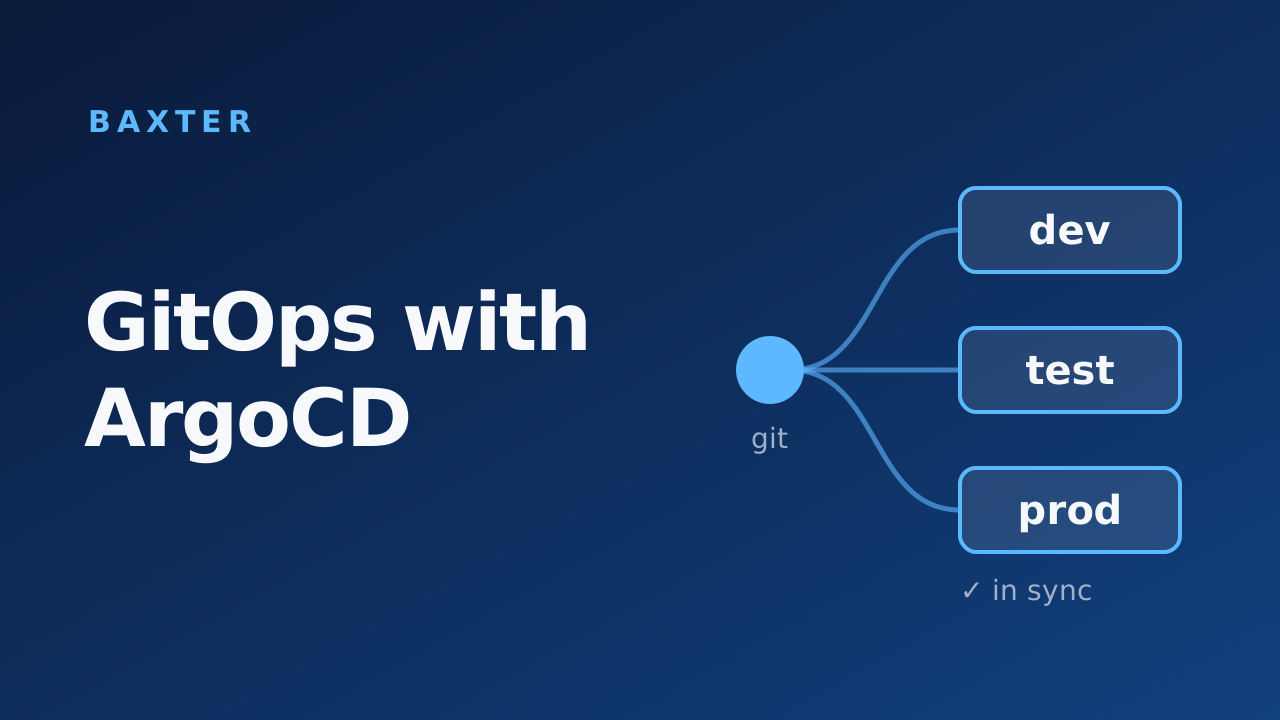
BaxterDec 2023
GitOps with ArgoCD
Introduced GitOps to the company: split CI from CD, deployed multi-cluster ArgoCD with LDAP login and deny-by-default RBAC, and set the repo structure the team adopted.
Context: Baxter International (Healthcare)
Problem
Jenkins handled both CI and CD, and DevOps engineers adjusted deployment and service manifests by hand. Over time dev, test, and prod drifted apart. There was no record of what changed, rollbacks weren't easy, and knowledge stayed with whoever made the change. Data science teams had little visibility into what was deployed where.
Approach
- Split CI from CD. Jenkins kept building and testing. ArgoCD took over deployment, with Git as the single source of truth for every environment.
- Multi-cluster ArgoCD. I deployed and maintained ArgoCD managing the dev, test, and prod clusters, and connected it to the Jenkins pipelines for end-to-end visibility.
- LDAP login. I configured ArgoCD's bundled Dex with an LDAP connector against Active Directory. Bind credentials live in Kubernetes Secrets, and the admin account is disabled once LDAP works.
- Deny-by-default RBAC. ArgoCD grants every authenticated user the default policy, and a deny rule can't take it away. I set the default to a
role:nonewith no access, so logging in grants nothing until a user's AD group is mapped to a role inpolicy.csv. - Repository structure. I designed the GitOps repository layout, which the whole team adopted.

Impact
- Deployments became declarative and reviewable, so environments stopped drifting.
- Rollbacks became a Git revert instead of manual edits.
- Data science teams can see what is deployed in each environment.
- Access to applications follows AD group membership, with no access by default.
Write-up
Stack
ArgoCD · Dex · LDAP · Kubernetes · Jenkins · Git